Specifications
From the retailer
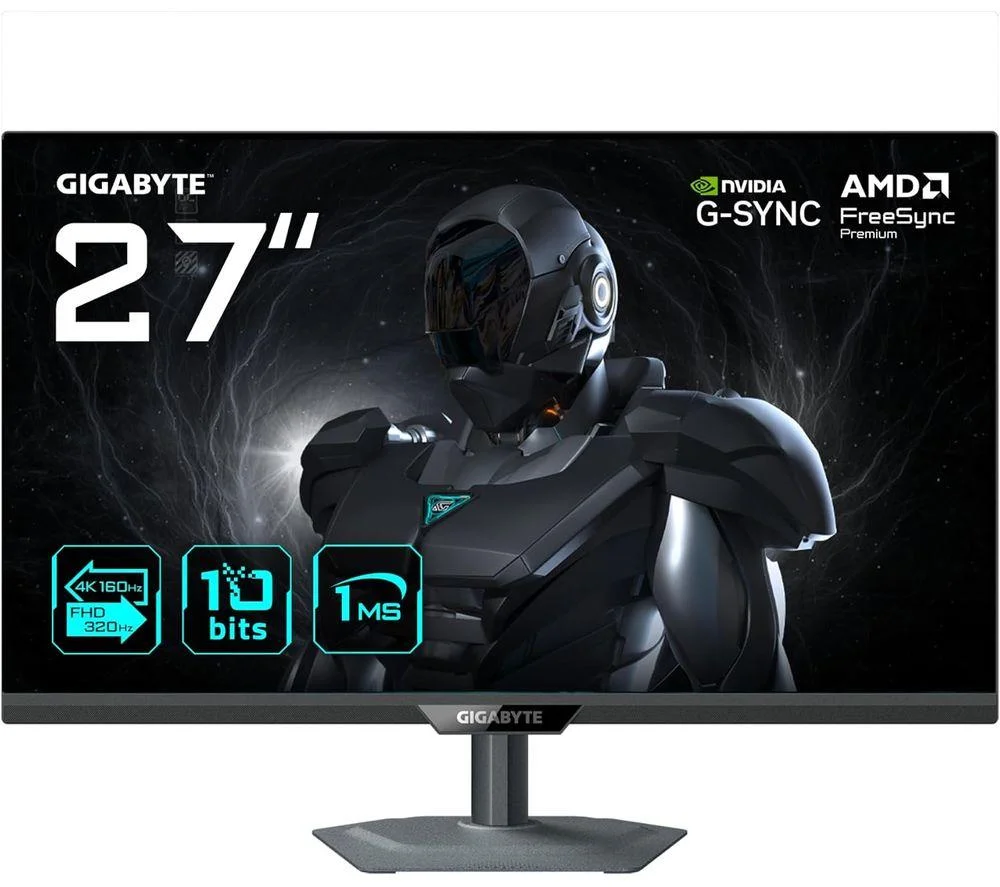
Get sharp visuals and smooth performance with the Gigabyte G27UP gaming monitor. Its 27″ Super Speed IPS panel gives you strong colours and wide viewing angles, so the picture looks good from wherever you're sitting. With 4K Ultra HD resolution, games, films and everyday screen use all look clear and detailed. A 160 Hz refresh rate paired with a 1 ms response time keeps fast scenes smooth and clear, helping quick-moving games look sharp without blur. And the AMD FreeSync Premium works with your graphics card to reduce screen tearing and stuttering. Good to know
- Its 95% DCI-P3 colour coverage gives accurate colours for games and editing
- Black Equalizer brightens darker scenes so you can spot details easily
- HDR10 support adds depth and contrast in compatible games and videos
- Tactical features like Aim Stabiliser and on-screen crosshairs help fine-tune gameplay
- HDMI 2.1 and DisplayPort 1.4 make it easy to connect modern consoles and PCs
- TÜV Flicker-Free design reduces eye strain during longer sessions
- Integrated KVM switch lets you control two computers with one keyboard
Where to Buy
No UK retailer price on record for this one yet.
We don't list Amazon prices, so this is a search rather than an offer. As an Amazon Associate, VantaSpec earns from qualifying purchases.
Price History
Price history
Price Intelligence
User Reviews (0)
No reviews yet. Be the first to review this product!
More Gaming Monitors


Embed this price on your site, blog or forum post
Shows the cheapest UK price we have read in the last two weeks, the shop and the date we checked it, and updates on its own. Use the card where HTML is allowed, or the image badge on forums that block iframes.