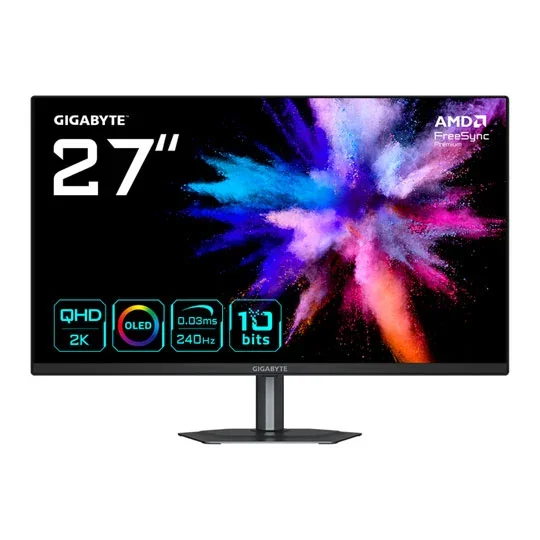
Specifications
Performance Benchmarks
Calculated Figures
Calculated from this product's published specifications, not measured in testing. Ranked against other products in this category.
At a glance
Gigabyte GO27Q24 27" QHD 240Hz QD-OLED Gaming Monitor is a 27" QD-OLED monitor with a 2560x1440 (WQHD) resolution, a 240Hz refresh rate and a 0.03 ms response time. It is listed at one UK shop, which is not showing stock right now.
From the retailer
27" Gigabyte GO27Q24 Monitor, QD-OLED , 2560 x 1440, 240Hz, 0.03ms, HDR10, USB Type-C, HDMI 2.0 / DP1.4
Where to Buy
We may earn a commission when you buy through these links. It never changes the price you pay, or the order shops are listed in, which is cheapest first.
* Prices may vary and are checked periodically rather than live.
We don't list Amazon prices, so this is a search rather than an offer. As an Amazon Associate, VantaSpec earns from qualifying purchases.
Price History
Price history
Price Intelligence
User Reviews (0)
No reviews yet. Be the first to review this product!
More Gaming Monitors


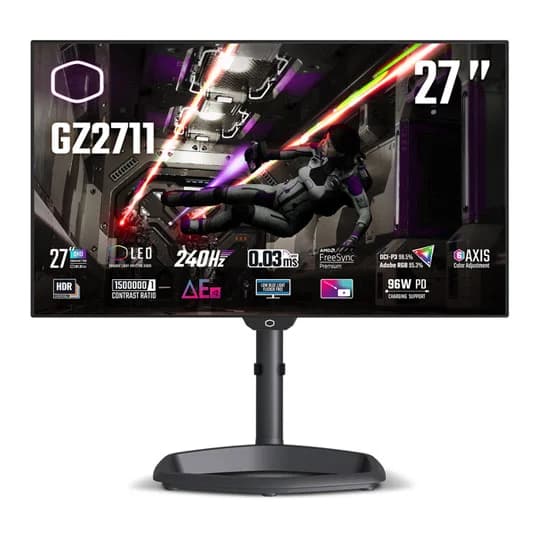
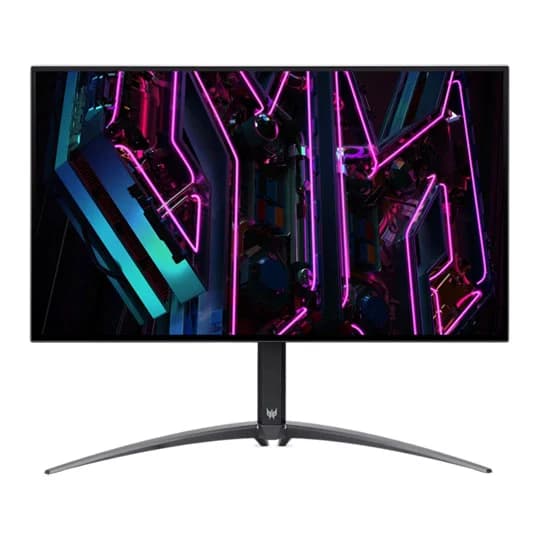

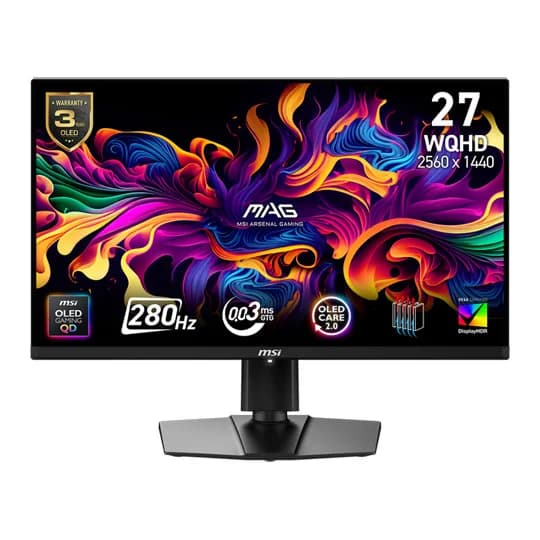

Embed this price on your site, blog or forum post
Shows the cheapest UK price we have read in the last two weeks, the shop and the date we checked it, and updates on its own. Use the card where HTML is allowed, or the image badge on forums that block iframes.