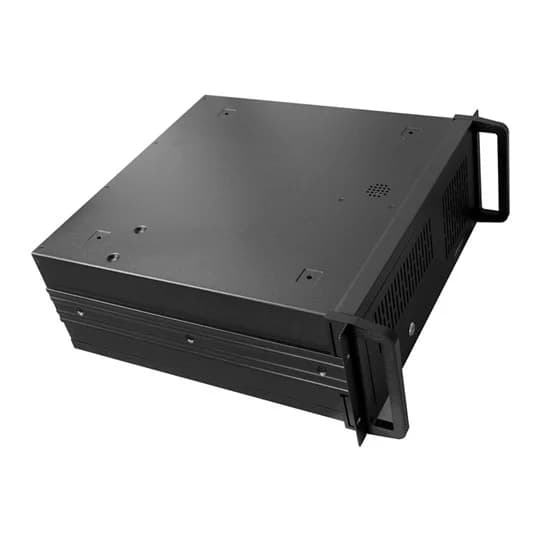
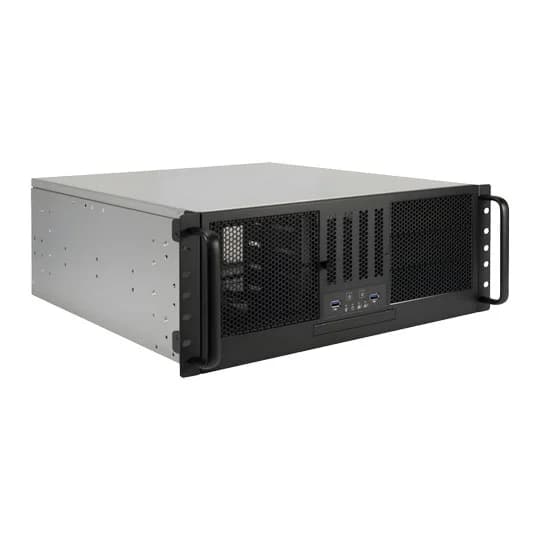
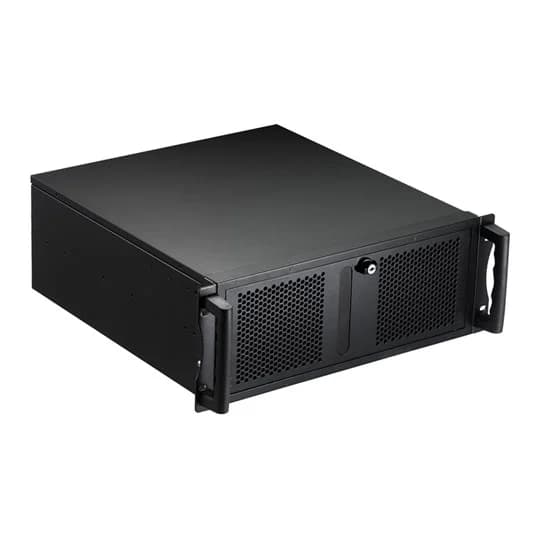
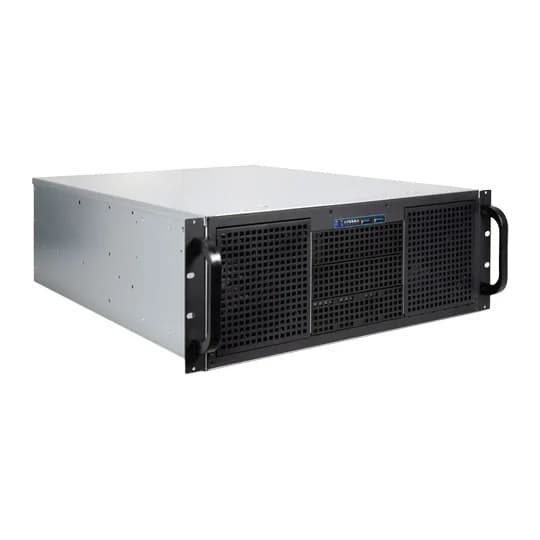
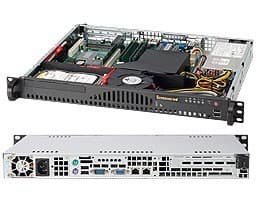
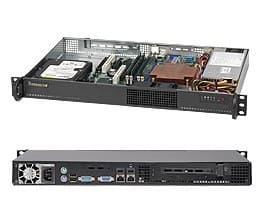
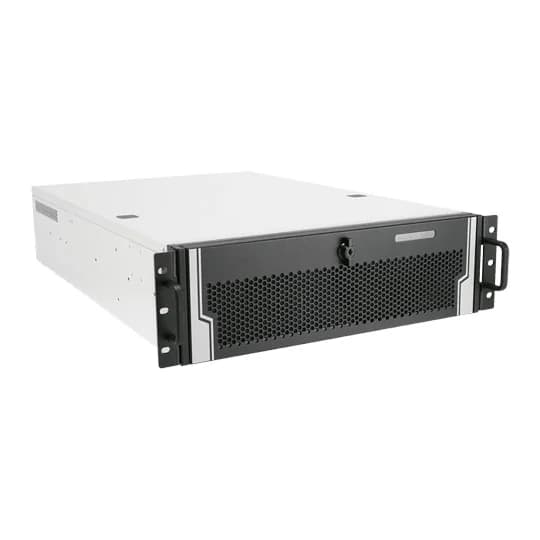
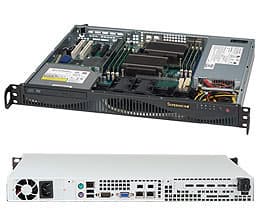
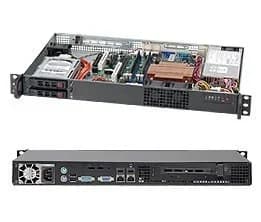
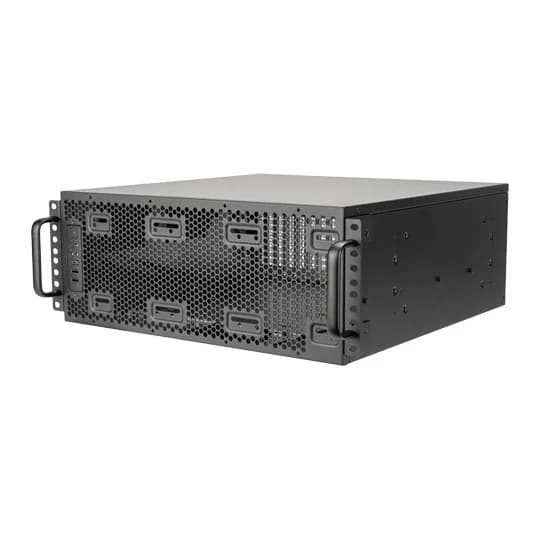
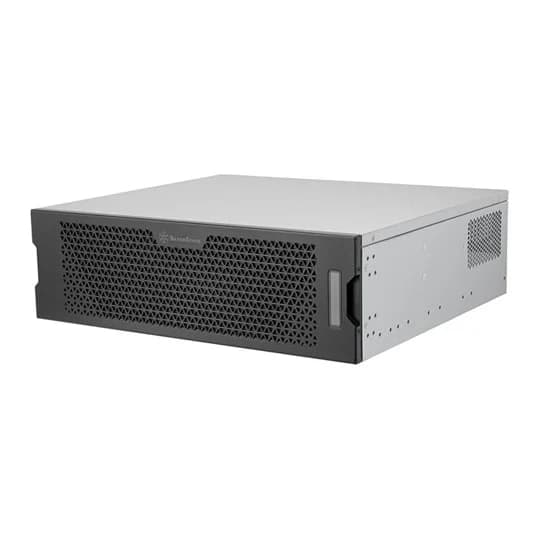
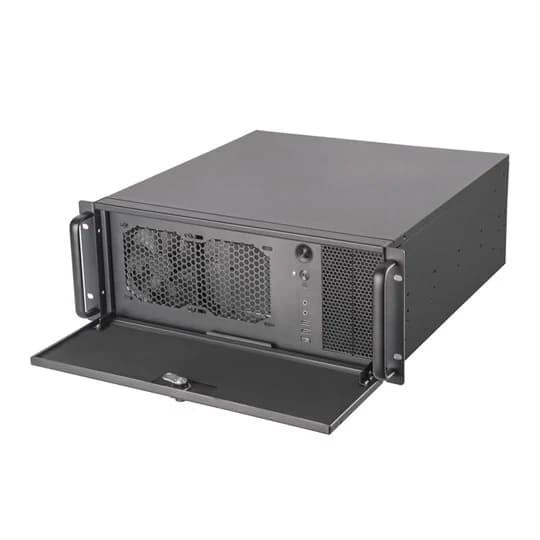
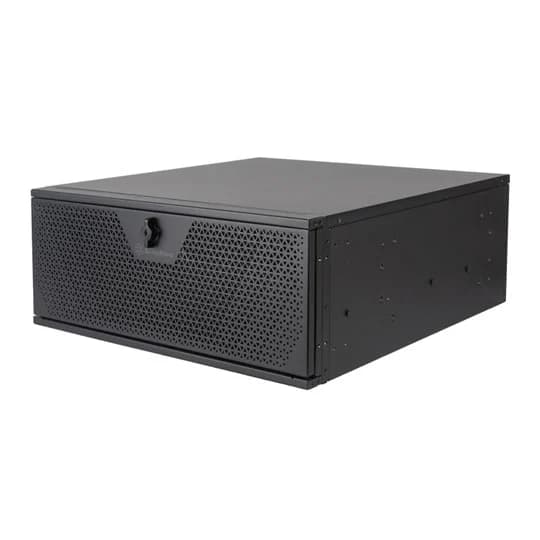
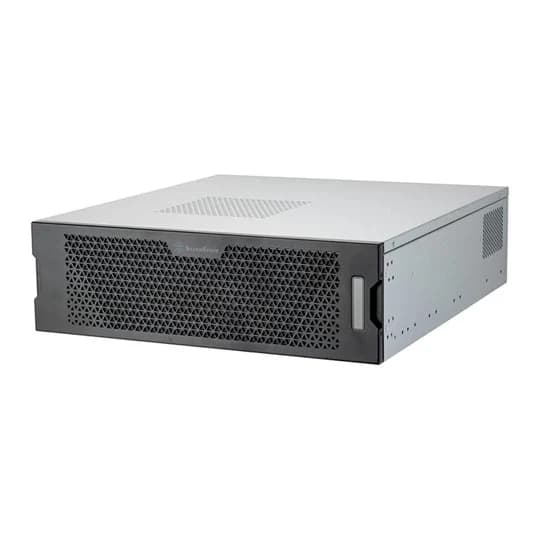
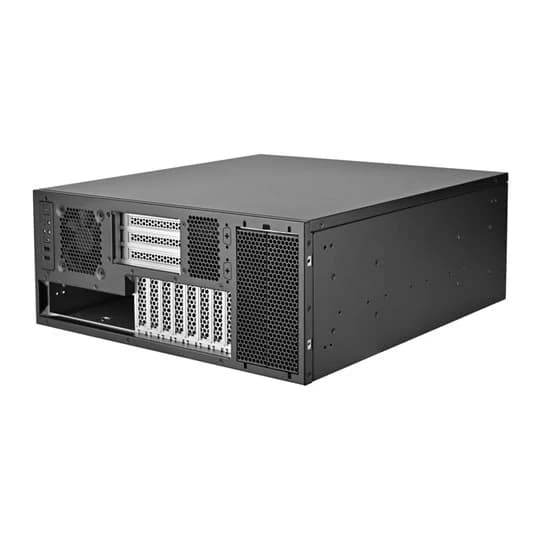
Rackmount server chassis
Rackmount chassis for building your own server, from short 1U boxes to 4U storage cases with a wall of hot swap bays. Compare height, board size, drive bays and the power supply each one ships with.
Server Chassis: buying guide
Choosing a height
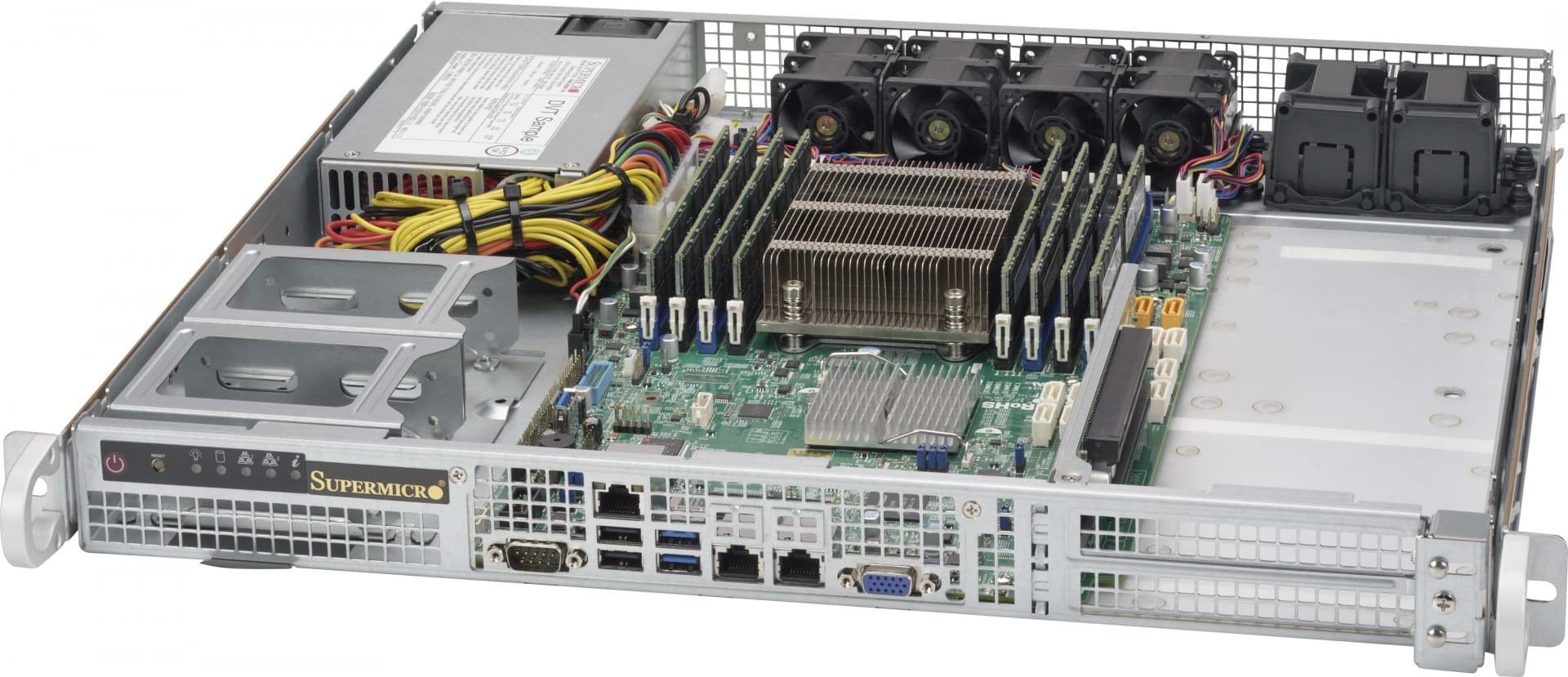
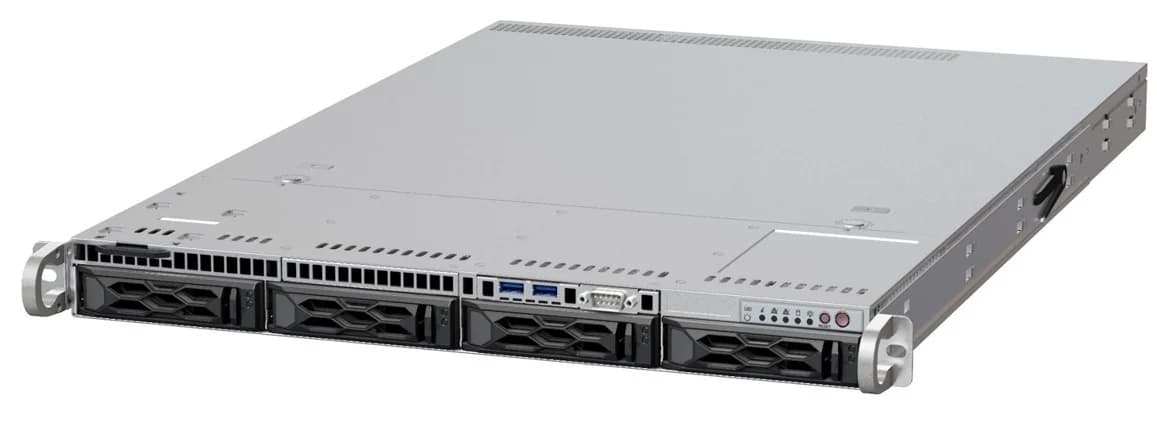
- 1U (44 mm): dense and loud. Small fans spin fast, cards must be low profile or on a riser, and coolers are passive.
- 2U: room for low profile cards, quieter 80 mm fans and up to twelve 3.5 inch bays.
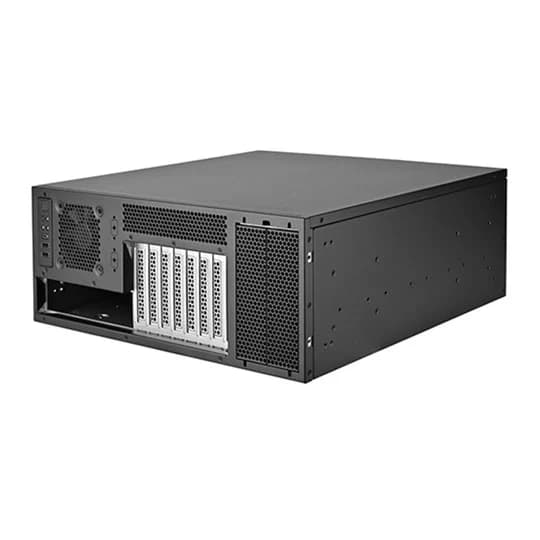
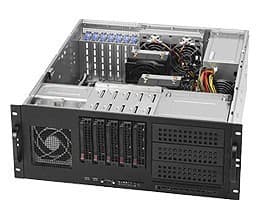
- 4U: full height cards, desktop size coolers and 120 mm fans, so it is the quiet choice for a home lab, and the one with the most bays.
Checking it fits
Measure the depth of your rack or rack cabinet first: many server chassis are 600 to 700 mm deep and need a cabinet to match, plus rails. Check the board size the chassis takes against your server motherboard, and whether the power supply is included, redundant or a standard ATX unit you add yourself.
Server Chassis: common questions
- Can I put a normal ATX motherboard in a rackmount case?
- Usually. Most 2U and 4U chassis take ATX, and many take EATX or SSI boards too. Check the stated board support and that the CPU cooler fits under the lid.
- Do server chassis come with a power supply?
- Some do, often redundant hot swap units, and some take a standard ATX power supply. The listing says which, so check before you buy a separate one.
- What does hot swap mean on a chassis?
- The drive bays connect to a backplane, so a drive slides out from the front without opening the case or powering the server down.