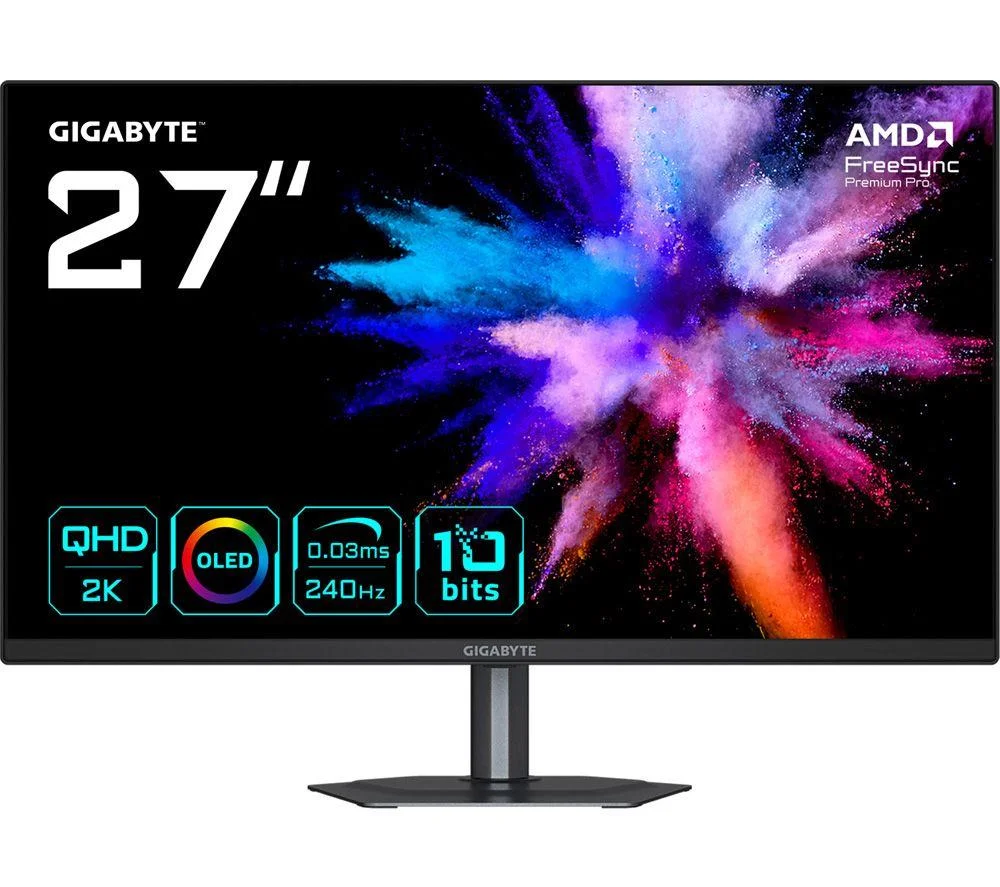
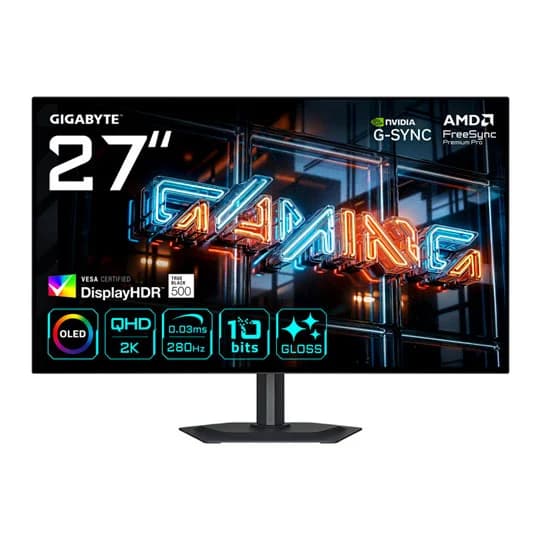
GIGABYTE GO27Q24G Quad HD 26.5" W-OLED Gaming Monitor - Black
Specifications
At a glance
GIGABYTE GO27Q24G Quad HD 26.5" W-OLED Gaming Monitor - Black is a 27" WOLED monitor with a 2560x1440 (WQHD) resolution, a 240Hz refresh rate and a 0.03 ms response time. It is listed at 2 UK shops, cheapest in stock at Currys for £359.00 (checked 19 October 2026).
From the retailer
Take your gaming to the next level with the Gigabyte GO27Q24G. The ultra-fast 0.03 ms response and 240 Hz refresh rate mean you'll have no problem outpacing the competition in frantic FPS titles. And Tactical Switch 2.0 lets you change how fast your mouse moves at the press of a button, depending on what you're using it for. But it isn't just speedy, it's sharp and accurate too. You can soak up every detail of those expansive open-world titles with Quad HD resolution. Good to Know
- AMD FreeSync Premium Pro syncs to your graphics card for smooth, blur-free gaming
- HyperNits HDR Brilliance boosts brightness up to 30% for vivid, punchy highlights
- DisplayHDR True Black 400 reveals hidden detail in the darkest scenes
- OLED Care uses AI to reduce burn-in and keep your display looking its best over time
- HDMI 2.1 handles high frame rates and works great with consoles like PS5 and Xbox
- The DisplayPort lets you daisy chain another 4K display for a seamless multi-monitor setup
Where to Buy
We may earn a commission when you buy through these links. It never changes the price you pay, or the order shops are listed in, which is cheapest first.
* Prices may vary and are checked periodically rather than live.
We don't list Amazon prices, so this is a search rather than an offer. As an Amazon Associate, VantaSpec earns from qualifying purchases.
Price History
Price history
Price Intelligence
User Reviews (0)
No reviews yet. Be the first to review this product!
More Gaming Monitors


Embed this price on your site, blog or forum post
Shows the cheapest UK price we have read in the last two weeks, the shop and the date we checked it, and updates on its own. Use the card where HTML is allowed, or the image badge on forums that block iframes.