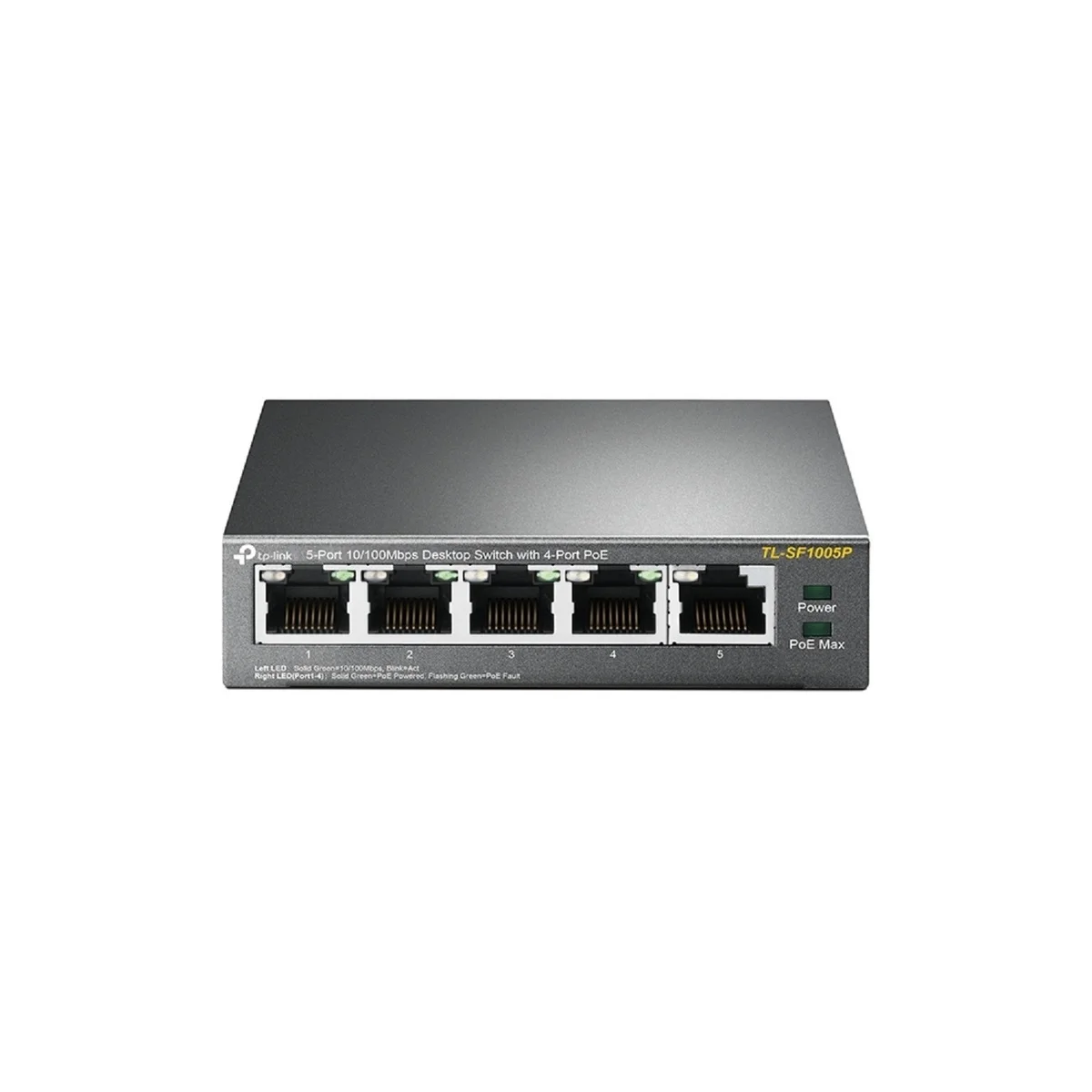
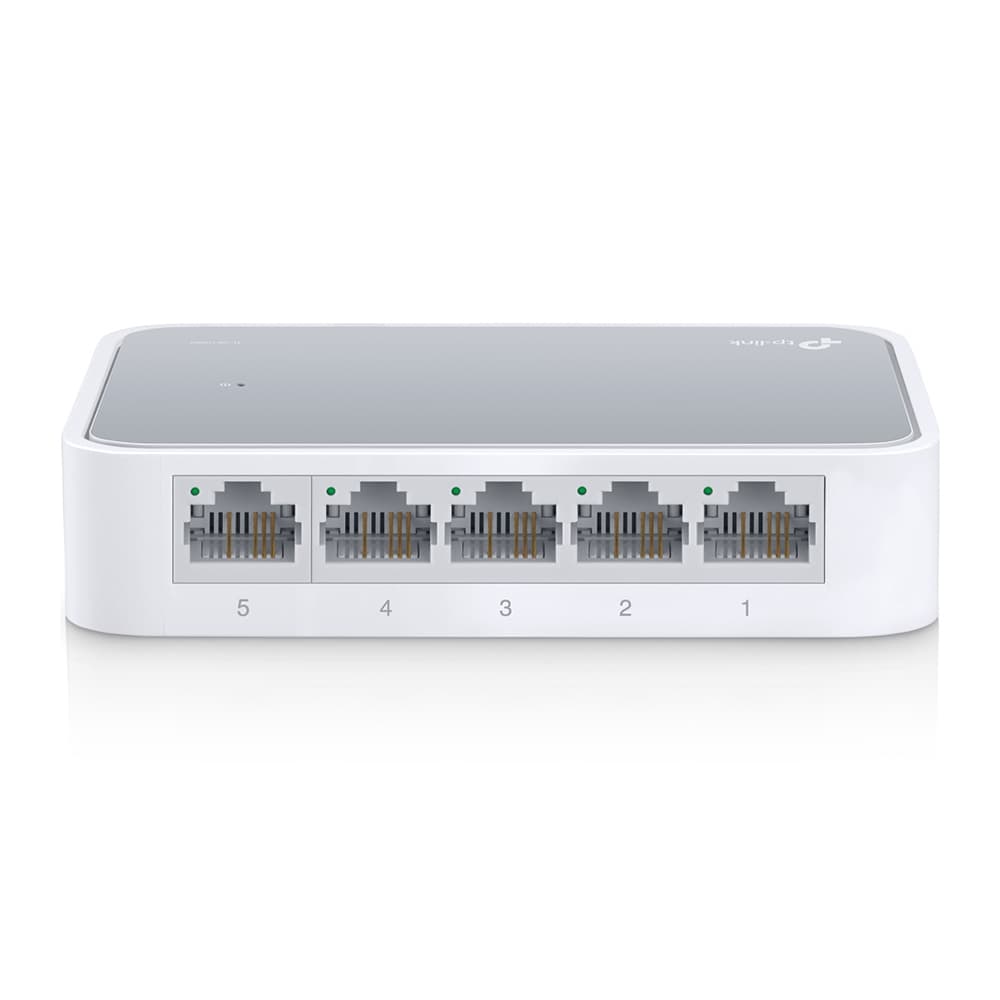
TP-Link TL-SF1005P 5-Port 10/100Mbps with 4-Port PoE Desktop Switch
Black Friday in 12 days. Set a price alert and we'll tell you if this drops.
Specifications
At a glance
TP-Link TL-SF1005P 5-Port 10/100Mbps with 4-Port PoE Desktop Switch is a network switch made by TP-Link. It is listed at 3 UK shops, cheapest in stock at Senetic for £28.07 (checked 12 November 2026); in-stock prices run from £28.07 to £48.96.
Quick answers
What is the cheapest UK price for TP-Link TL-SF1005P 5-Port 10/100Mbps with 4-Port PoE Desktop Switch?
The cheapest in-stock UK price for TP-Link TL-SF1005P 5-Port 10/100Mbps with 4-Port PoE Desktop Switch is £28.07 at Senetic (checked 12 November 2026).
Where is TP-Link TL-SF1005P 5-Port 10/100Mbps with 4-Port PoE Desktop Switch in stock?
TP-Link TL-SF1005P 5-Port 10/100Mbps with 4-Port PoE Desktop Switch is in stock at Senetic (£28.07), Laptops Direct (£39.97), Ballicom (£48.96), as checked 12 November 2026 or later.
From the retailer
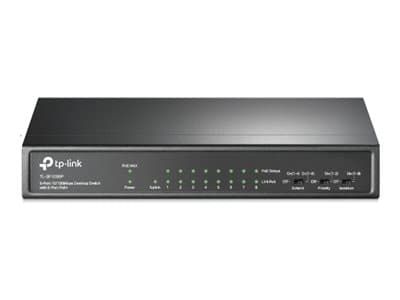
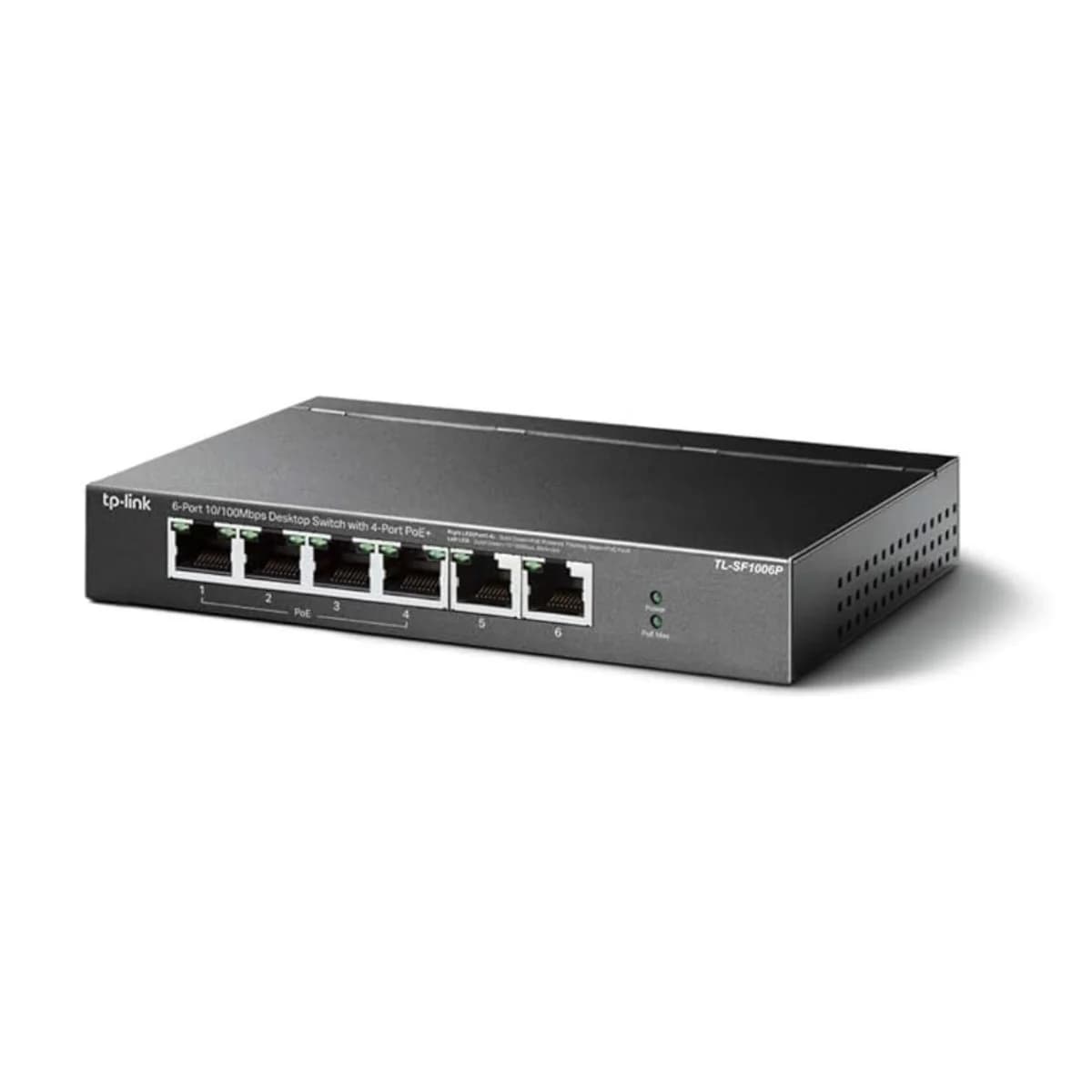
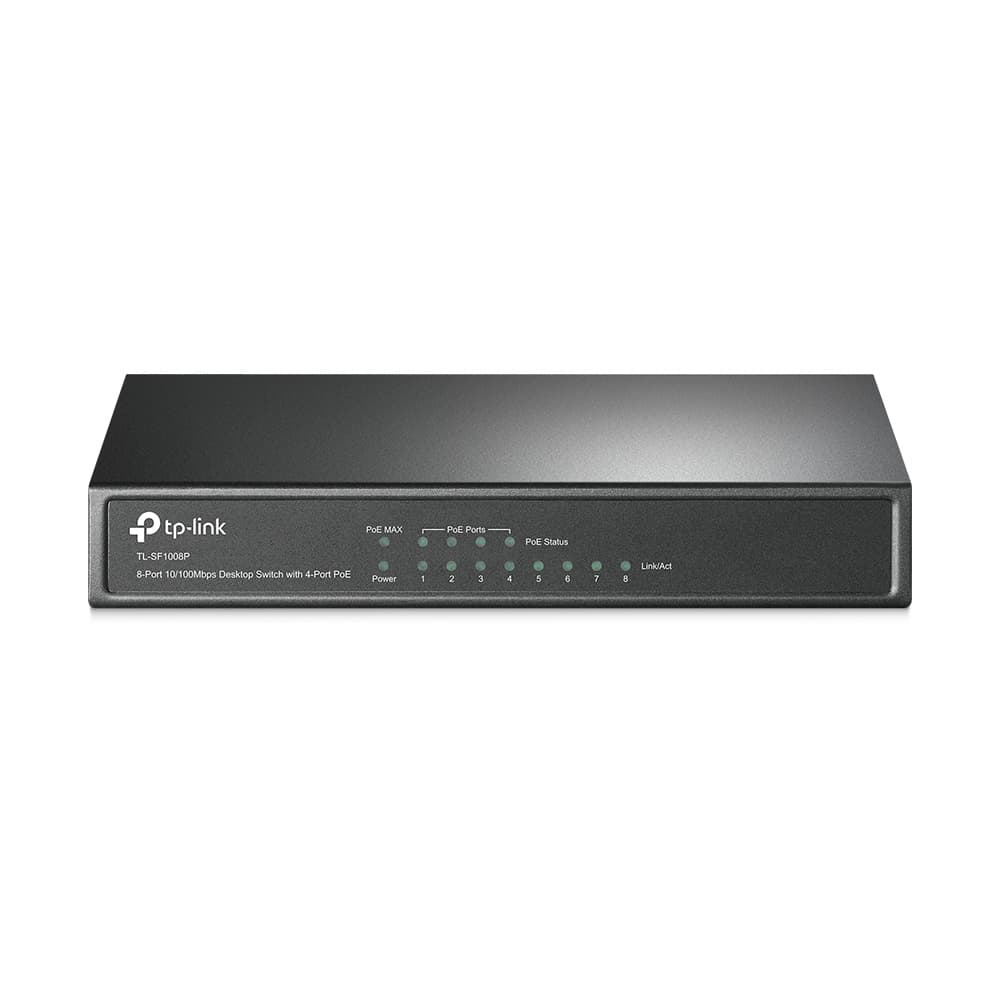
The TP-Link TL-SF1005P is a compact and efficient desktop switch offering five 10/100Mbps ports, with four of them featuring Power over Ethernet (PoE) capabilities. Designed for small businesses and home networks, this switch simplifies the deployment of PoE-enabled devices such as IP cameras, VoIP phones, and access points. Its plug-and-play setup and robust performance make it an ideal solution for expanding your network while providing power to compatible devices, ensuring reliable connectivity and convenience.nSupports PoE Power up to 58W for all PoE portsTL-SF1005P is a 5 10/100Mbps ports unmanaged switch that requires no configuration and provides 4 PoE (Power over Ethernet) ports. It can automatically detect and supply power with all IEEE 802.3af compliant Powered Devices (PDs). In this situation, the electrical power is transmitted along with data in one single cable allowing you to expand your network to where there are no power lines or outlets, where you wish to fix devices such as APs, IP Cameras or IP Phones, etc.nPower over Ethernet4 of the 5 Auto-Negotiation RJ45 ports (Port 1 to Port 4) of the switch support Power over Ethernet (PoE) function. These PoE ports can automatically detect and supply power with those IEEE 802.3af compliant Powered Devices (PDs).nOverload ArrangementTL-SF1005P has the priority function which will help protect the system when the system power is overloaded. If all PoE PDs power consumption is >= 58W, a priority will be arranged among the PoE ports, then the system will cut off the power of the lowest-priority port.nPort Priority FunctionPriority (port-1=port-2=port-3>port-4): This function will help to ensure the normal operation of the system, it means Port 4 will be cut off when all total PoE PDs power consumption exceed 58W. For an example, Port 1, 2 and 4 is using 15.4W (maximum power for per port is 15.4W); the system power is 46.2W in total. If there is an additional PD inserted to Port 3 with 12W, and then the system will cut off the power of Port 4 because of the overloaded power, this means Port 1, 2 will use 15.4W, and Port3 will use 12W, no power will be supplied to Port 4.nEasy To UseTL-SF1005P is easy to install and use. It requires no configuration and installation. With desktop design, outstanding performance and quality, the TP-Link's TL-SF1005P 5-Port 10/100Mbps Desktop Switch with 4-Port PoE is an ideal choice for expanding your home or office network.rn -->n View more n View less n rn
Where to Buy
We may earn a commission when you buy through these links. It never changes the price you pay, or the order shops are listed in, which is cheapest first.
* Prices may vary and are checked periodically rather than live.
We don't list Amazon prices, so this is a search rather than an offer. As an Amazon Associate, VantaSpec earns from qualifying purchases.
Price History
Price history
Price Intelligence
User Reviews (0)
No reviews yet. Be the first to review this product!
More Network Switches
Embed this price on your site, blog or forum post
Shows the cheapest UK price we have read in the last two weeks, the shop and the date we checked it, and updates on its own. Use the card where HTML is allowed, or the image badge on forums that block iframes.